Was having a lot of issues on vmware specifically with kali linux virtual machines with seeing my mouse cursor. It would not be visible at all on the screen. You could still click things and access the terminal but you just wouldn’t see your cursor at all. The typical things I tried did not fix it like running: sudo apt update and sudo apt full-upgrade -y.
Solution:
My issue was virtual machine hardware compatibility. Make sure your virtual machine is off. Right click on your virtual machine in the tabs > Manage > Change hardware compatibility. It should open up the hardware compatibility wizard, click next and you should see this screen now.
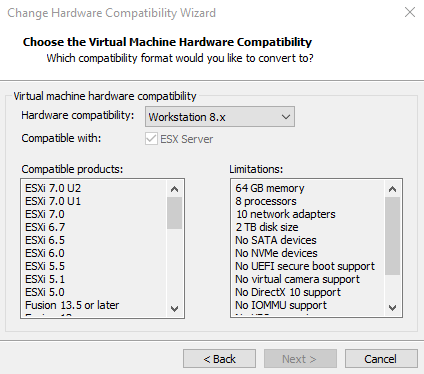
Change it to Workstation 16.x, for some reason it defaults to Workstation 8.x which is what is causing the invisible cursor.
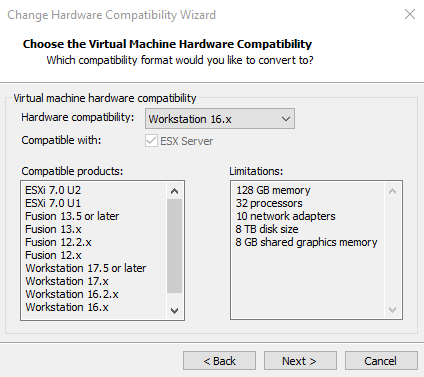
After that just finish the wizard and it should show up now when you launch your virtual machine.